Set up a computer
Install the broker once on each computer your agents use. It keeps your secrets, so your agents never see them.
On this page
Before you start
- An administrator account on that computer.
- Node.js 22.23.4, 24.22.1 or 26.12.1 or newer (not 23 or 25), from nodejs.org: older ones lack a security fix, and the broker won't start on them.
Step 1: Install Wundervault
In a terminal on that computer:
Linux
sudo npm install -g @wundervault/mcp-server@2With sudo: the broker won't run a copy in your home folder.
macOS
npm install -g @wundervault/mcp-server@2Windows
npm install -g @wundervault/mcp-server@2Step 2: Install the broker
The broker gets its own account, with a folder your agents can't read.
Linux
sudo sh "$(npm root -g)/@wundervault/mcp-server/packaging/install-daemon.sh"macOS
cd "$(npm root -g)/@wundervault/mcp-server"
sudo sh packaging/install-daemon-macos.sh
Windows
Set-Location (Join-Path (npm root -g) "@wundervault\mcp-server")
powershell -ExecutionPolicy Bypass -File packaging\install-daemon-windows.ps1
To check the installer first, see Install & upgrade.
Step 3: Pair it with your vault
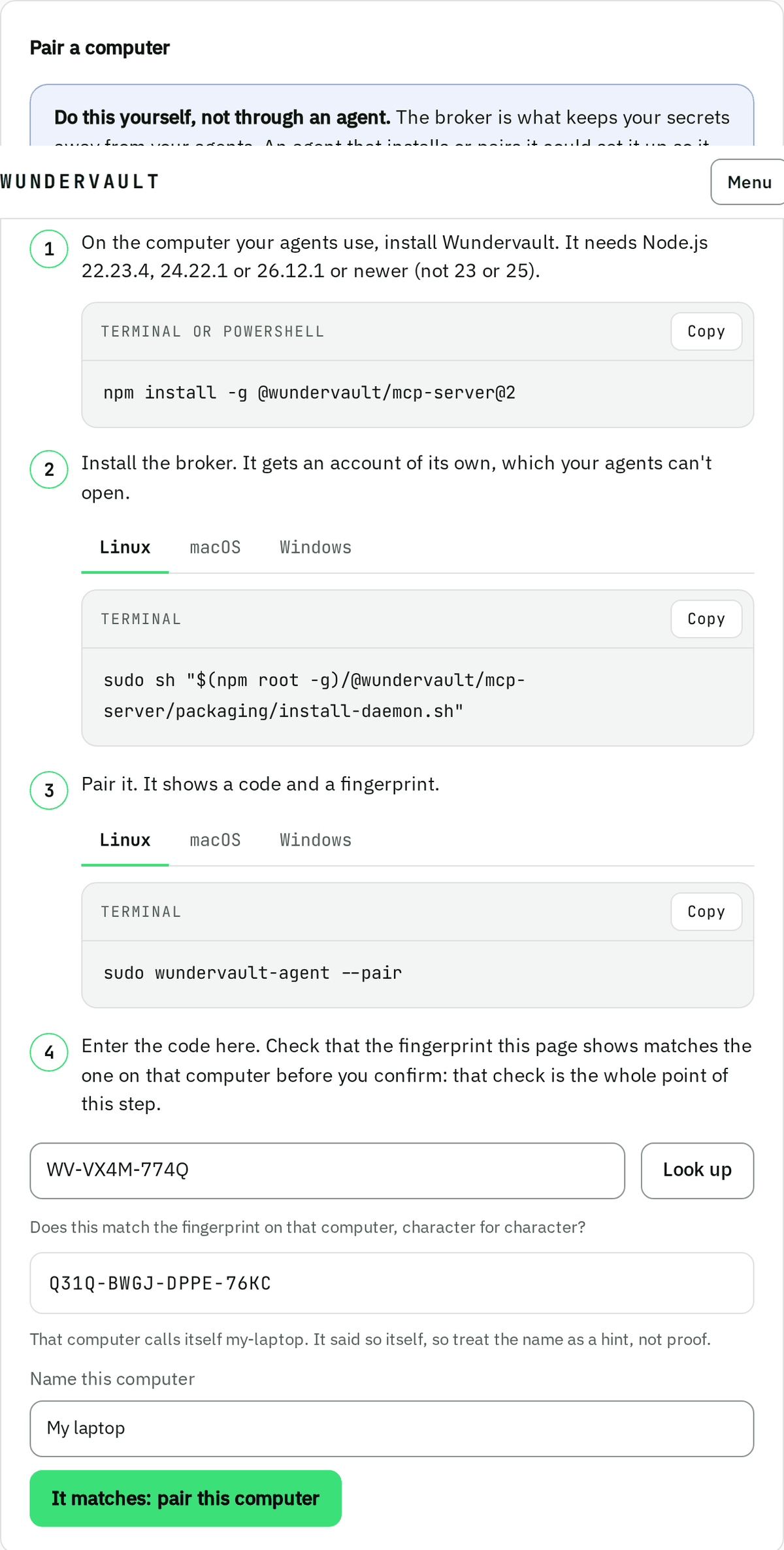
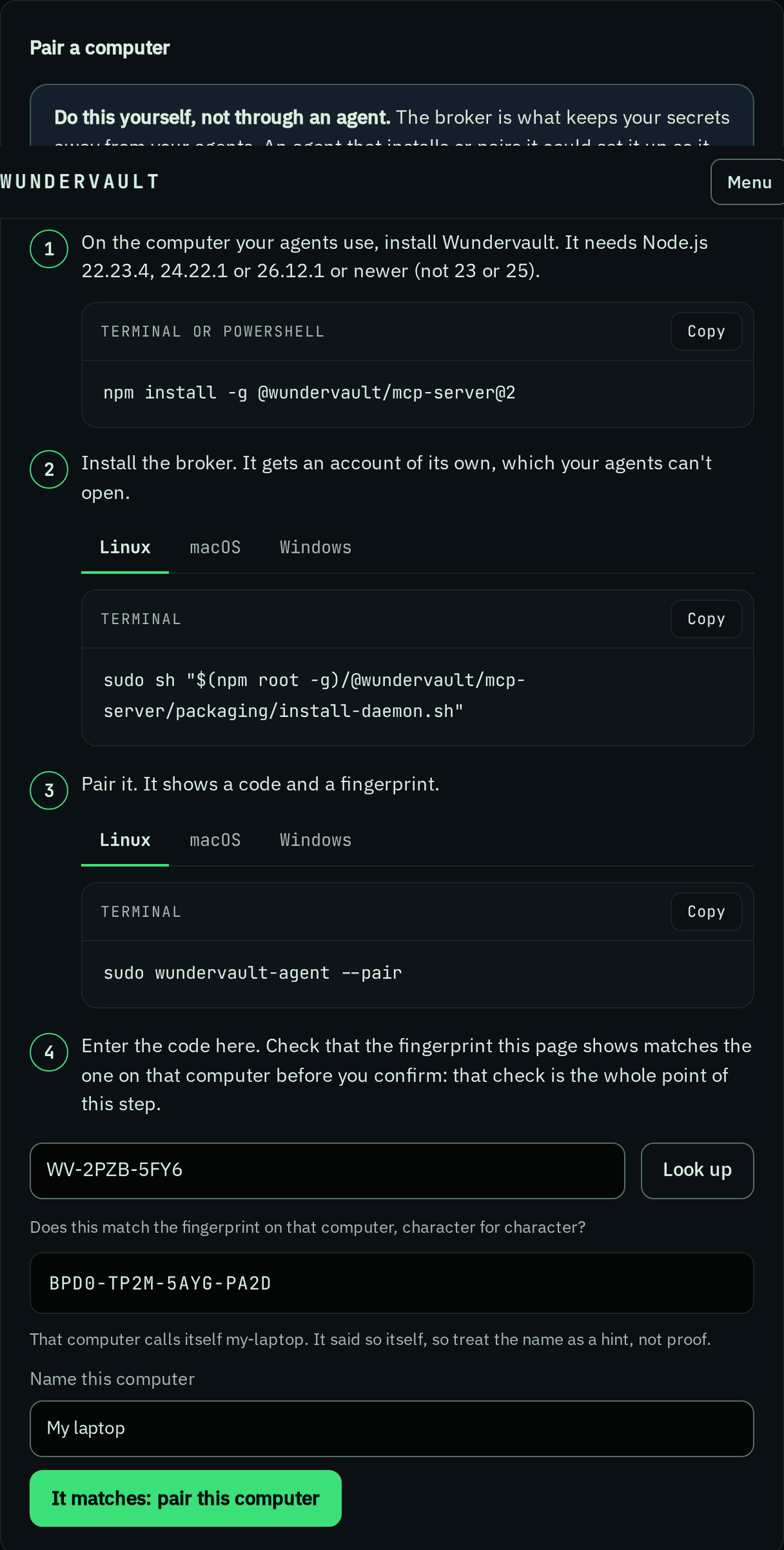
- On the computer, run:
It shows a code and a fingerprint.
Linux
sudo wundervault-agent --pairmacOS
sudo wundervault-agent --pairWindows
wundervault-agent --pair - In your vault, open Computers and select Pair a computer.
- Enter the code and select Look up.
- Check that the fingerprint matches the one on the computer. Name the computer, then select It matches: pair this computer.
Get help
If the computer says npm isn't found
Install Node.js 22.23.4, 24.22.1 or 26.12.1 or newer from nodejs.org, then open a new terminal.
If it says Node.js lacks the October 21, 2026 security fix
Install Node.js 22.23.4, 24.22.1 or 26.12.1 or newer, then run the step again.
If npm stops with a permission error (EACCES)
On Linux or macOS, run it again with sudo:
sudo npm install -g @wundervault/mcp-server@2If the agent says wundervault-agent is not running for agent …
The broker isn't running on that computer, or the agent hasn't enrolled. Set up the computer, then paste the message again.
More in Troubleshooting.