How It Works
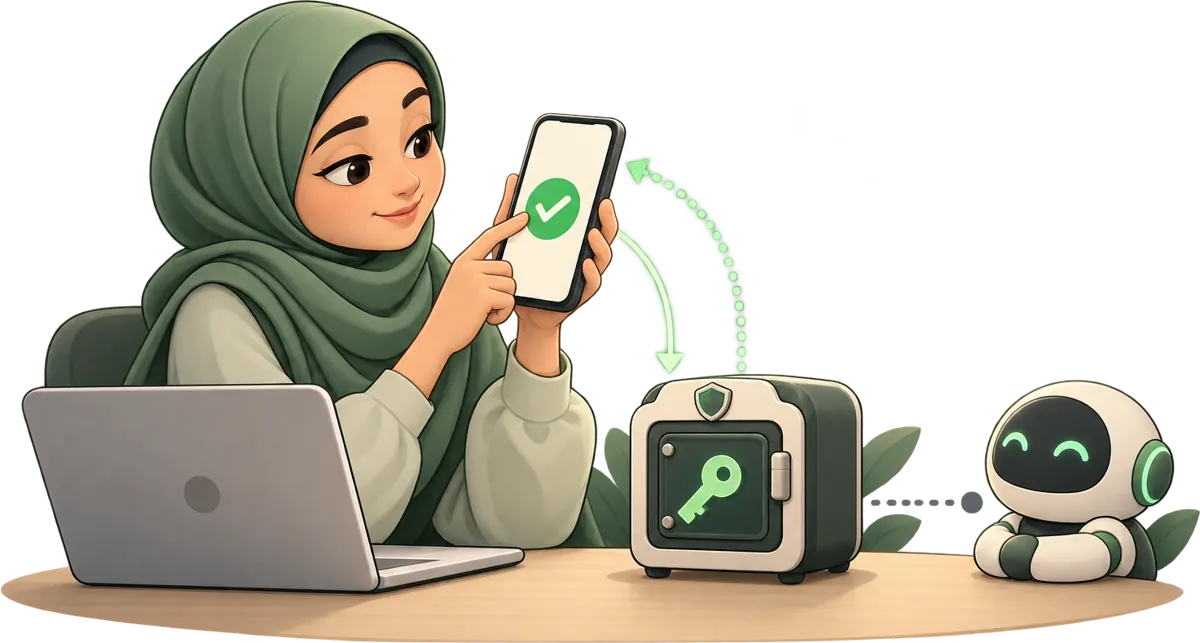
Wundervault handles both sides of secret sharing. One-time secrets are encrypted in your browser, sent via link and passphrase, and permanently destroyed the moment they're read — the server never sees the key. Vault secrets are stored in a zero-knowledge vault your dashboard and AI agents can access long-term, with biometric unlock and a full audit log. Neither mode gives the server any key material.
The Problem
When you need to share a password, API key, or sensitive message, you have limited options: email it (forever stored on servers), use a shared document (access logs, copies), or chat it (backed up, searchable). Everything leaves a permanent record.
Wundervault solves this by making the secret unreadable until it reaches the right person — and then it disappears.
Step by Step
One-Time Secrets
No account required. Secret is destroyed permanently on first read.
Vault Secrets
Account required. Secrets persist until you delete them. Accessible from your dashboard and by AI agents via API.
Two Types of Secrets
Wundervault handles secrets differently depending on whether you need them to disappear after reading or stay available long-term.
| One-Time Secret | Vault Secret | |
|---|---|---|
| Best for | Passwords, keys, messages shared once | API keys, credentials, config you reuse |
| Account | Not required | Login required |
| Encryption | Client-side, server-blind | Client-side, zero server-side key material |
| Access | Link + passphrase | Dashboard + optional WebAuthn biometric |
| Lifetime | Burns after first read or TTL | Until you delete or rotate |
| Share with agents | Yes — share the link & passphrase with the agent | Yes — scoped REST API & MCP |
Use Cases
DevOps Share production credentials with a contractor for a one-time deployment. Revoke access the moment the job is done.
Developers Pass API keys between agents and pipelines. The secret burns automatically after the pipeline reads it — no leaked keys in logs.
Security Share vulnerability details, incident reports, or access credentials with auditors. Everything expires. Nothing persists.
Everyone Send a one-time password, share a private document link, or send a message you know will be read once and never again.
How It Compares
Most secret-sharing tools send your plaintext to the server for encryption, store it, and hand it back. Wundervault encrypts in your browser before anything leaves your device — the server receives only ciphertext it cannot decrypt.
| Feature | Wundervault | Typical sharing tools |
|---|---|---|
| Encryption location | Browser (client-side) | Server-side |
| Server sees plaintext | Never | Before encryption |
| Persistent zero-knowledge vault | Yes | No |
| AI agent REST API & MCP | Yes | No |
| WebAuthn / biometric unlock | Yes | No |
| No account for one-time sharing | Yes | Usually yes |
The Encryption
Wundervault uses AES-256-GCM — the same standard used by governments and banks. Every secret gets its own unique nonce, ensuring that identical plaintexts produce different ciphertexts.
Encryption happens entirely in your browser via the Web Crypto API. Keys are derived from your passphrase using PBKDF2 at 600,000 iterations (OWASP recommended). The server never receives your key or plaintext — for one-time secrets it's completely server-blind; for vault secrets, zero server-side key material exists: the server stores only a hash commitment that verifies credentials without any decryption capability.
Rate Limits
To prevent brute-force attacks, Wundervault enforces rate limits: 20 secret creations and 30 retrieval attempts per IP per minute. These are generous for normal use and tight enough to make automated attacks impractical.